Manager quick start
A short path for a Manager to sign in and start running projects, schedules, timesheets and workpacks.
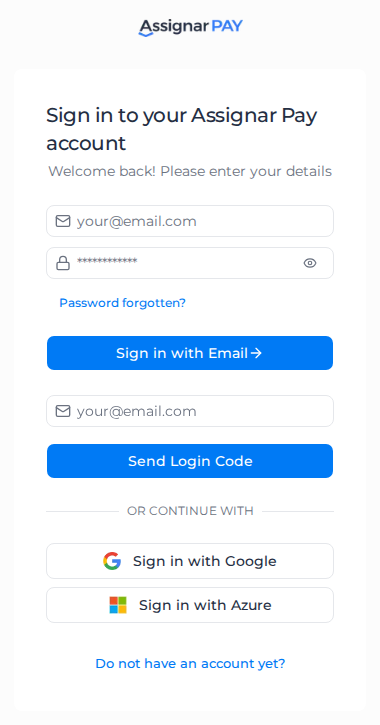
Sign in, or accept the invitation email titled "You have been invited to join a team". The link lasts 7 days. If it has expired, ask the office to resend it. See Sign in to Assignar Pay and Fix sign-in problems.
You run projects, bids, timesheets, procurement and workpacks. Invoices, payroll and the organization's settings stay with Owners and Admins. See Manager role.
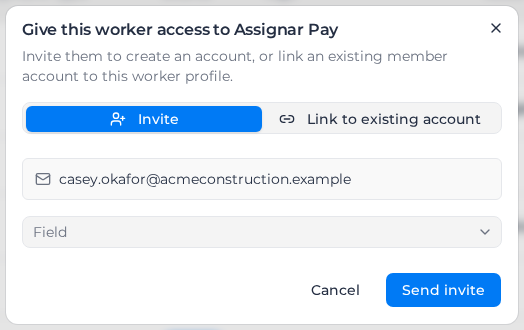
By default the Members list has no Invite Members button for you. Give a worker a login from their profile, invite a client contact to the customer portal, or invite a supplier to the supplier portal.
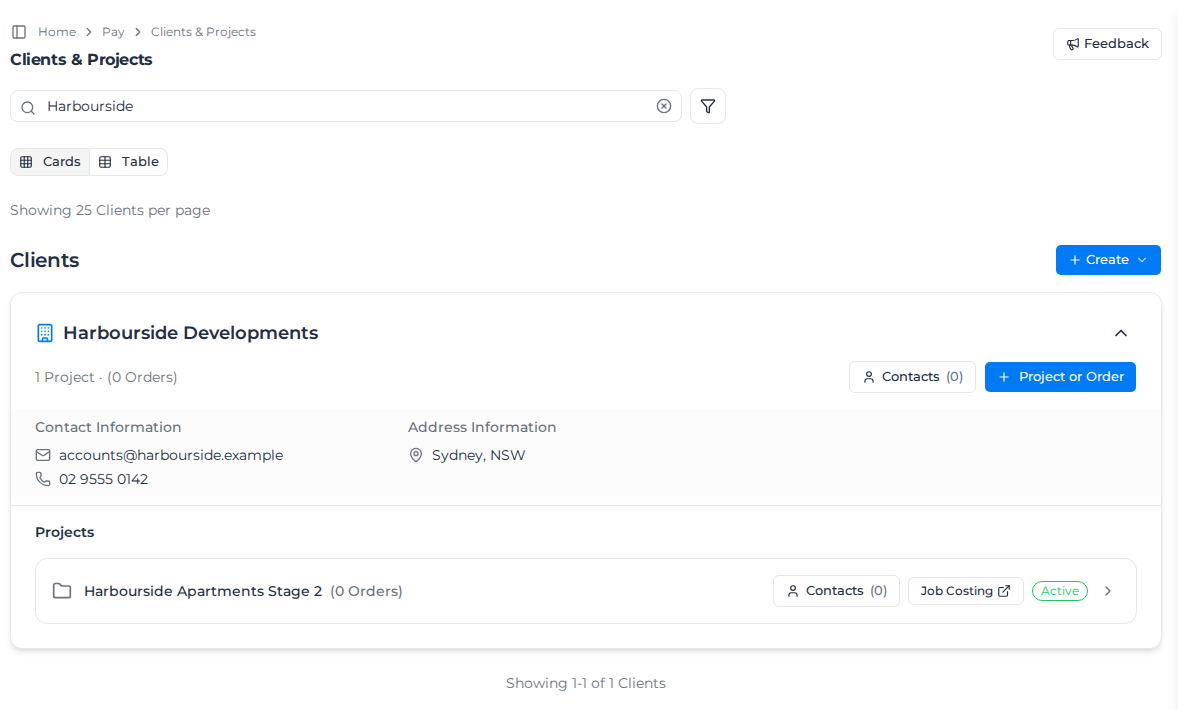
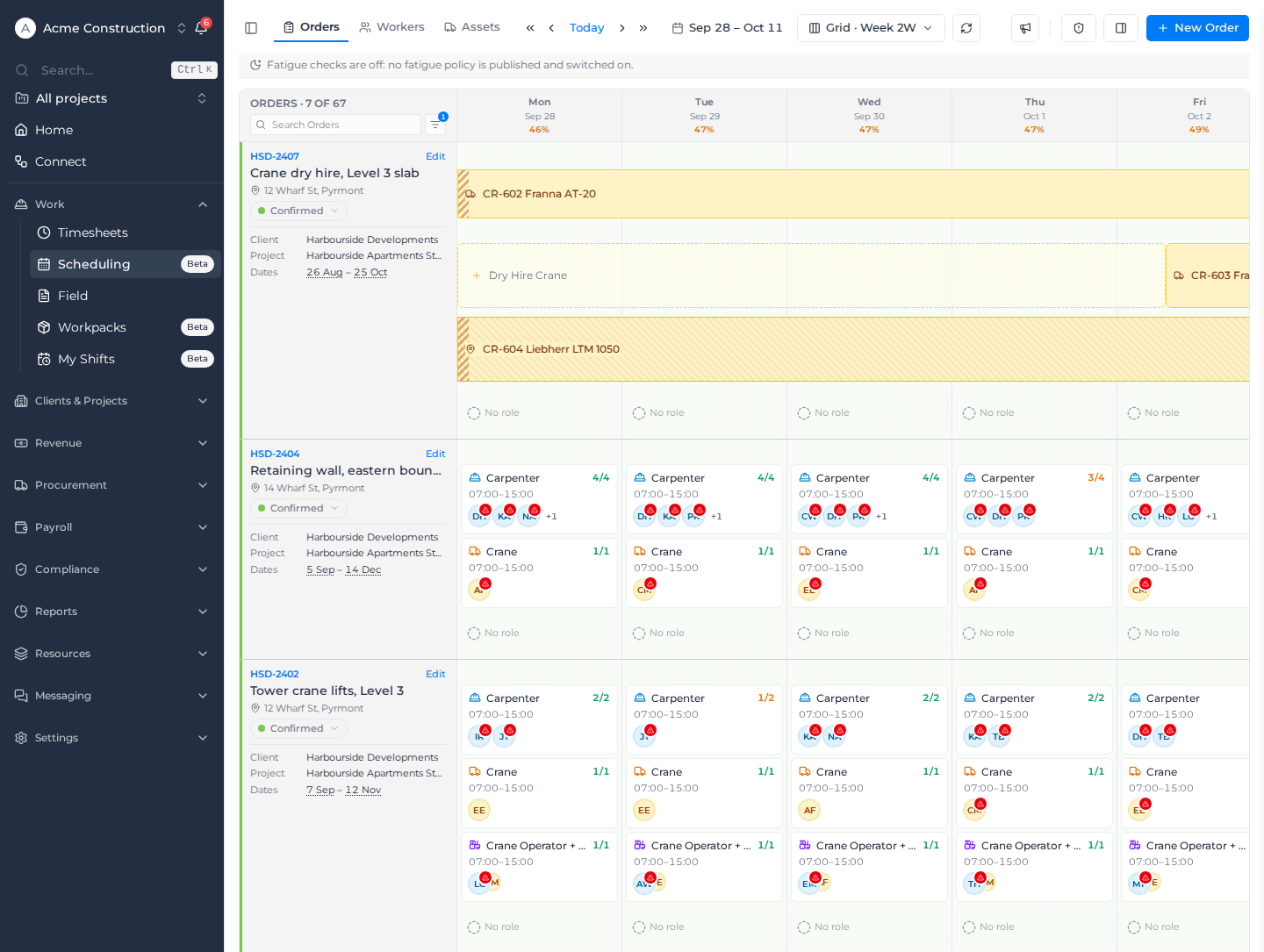
Find your clients, projects and the schedule:
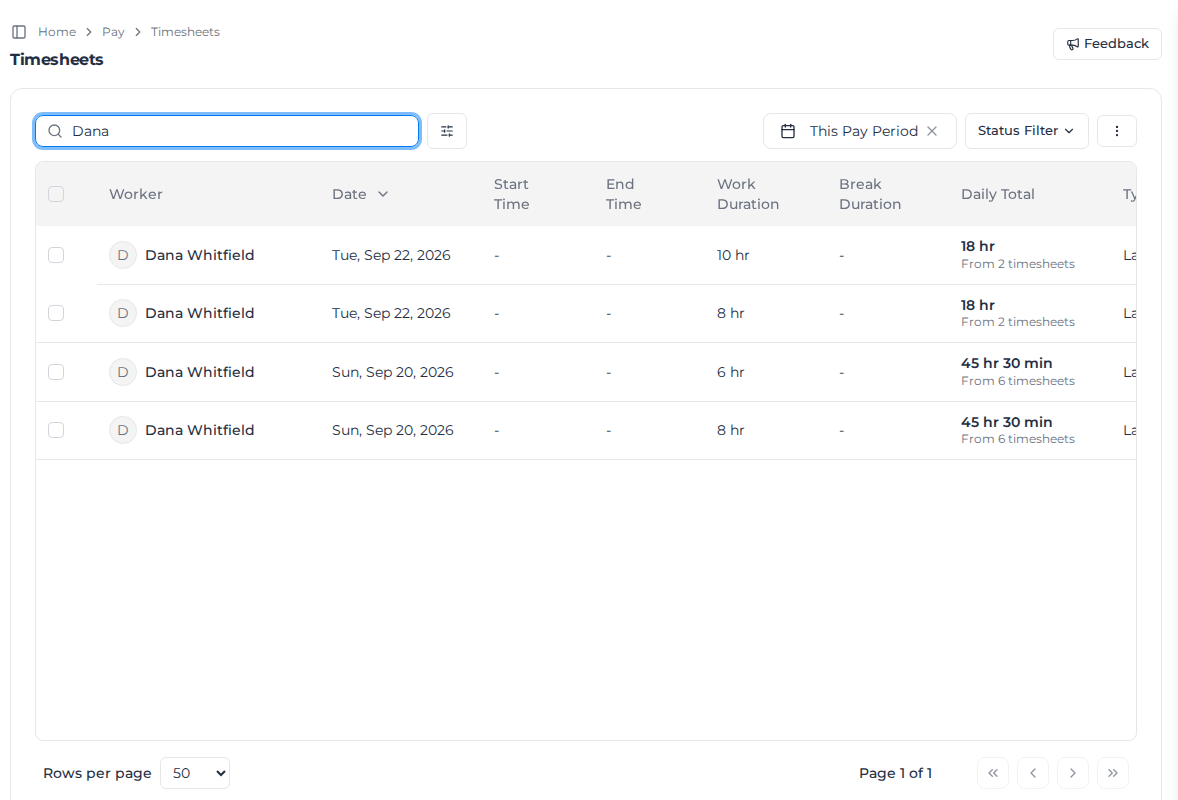
Review and approve timesheets. See Review timesheets.
Optional next steps: