

Visitor quick start
A short path for a Visitor to accept their invite and fill in the forms they were asked to complete.
You are signing in to site, doing an induction, or completing a one-off checklist.
Accept your invitation
Open the email titled "You have been invited to join a team" and select the link. It lasts 7 days. Follow Accept an invitation on Sign in to Assignar Pay.
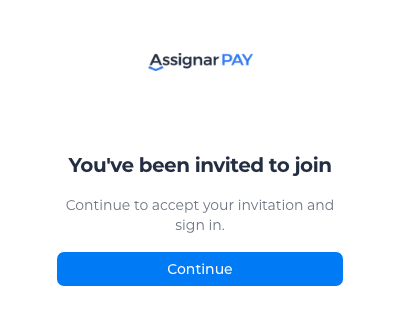
If the link has expired, ask the office to resend it. See Fix sign-in problems.
Open Field
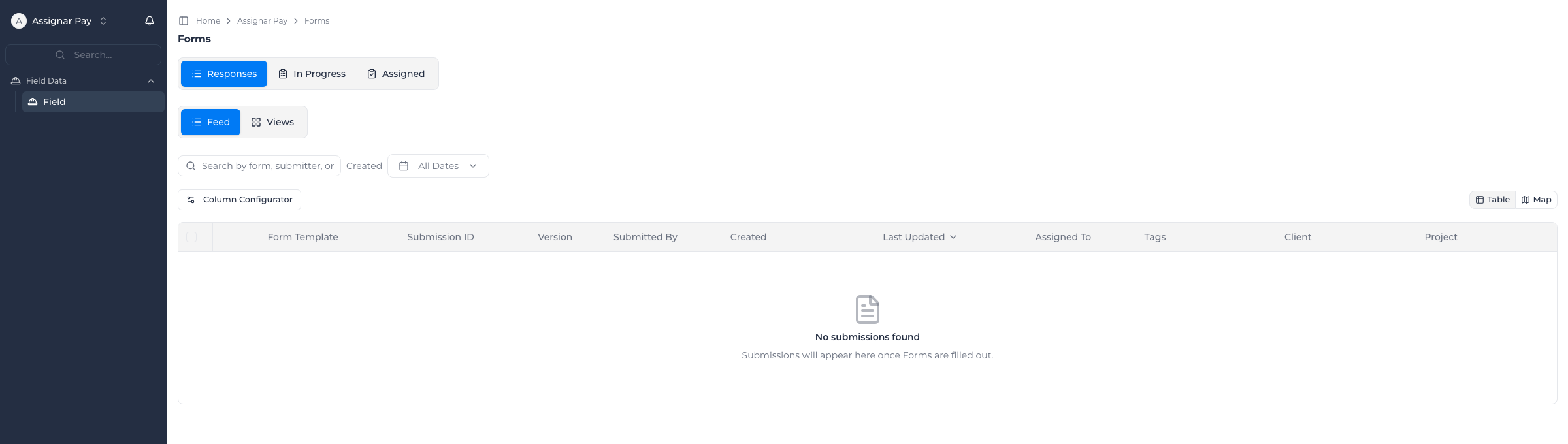
After you sign in, the sidebar has one entry, Field, with the forms you are allowed to use. You see the submissions you made and the ones assigned to you, and nothing else of the organization. See Visitor role.
Open a form from a QR code
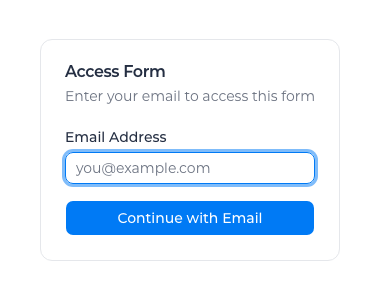
If you were sent a form QR code instead of an invitation, scan it and enter your email address. You don't need an account first. See A form's QR code asks for your email.
For the office
How the office invites a Visitor, and which forms are open to them, is in Visitor role, Manage your team and Control form access.